

Video Chat Privacy Tips: What to Share and What to Keep Private
A video conversation can feel informal, but your camera, microphone, and background may reveal more than the words you choose to say. A document on the desk, a notification on another screen, or a conversation in the next room can become part of the call.
The most useful video chat privacy tips are practical: check the frame before joining, keep sensitive details out of the conversation, approve device access only where you intend to use it, and leave when a boundary is not respected. Treat recording and information handling as separate questions from whether the call looks clear or friendly.
This guide organizes those checks around before, during, and after a call. It does not describe every platform’s settings or promise that another person cannot save what they see or hear.

Before the call: decide what you want to show
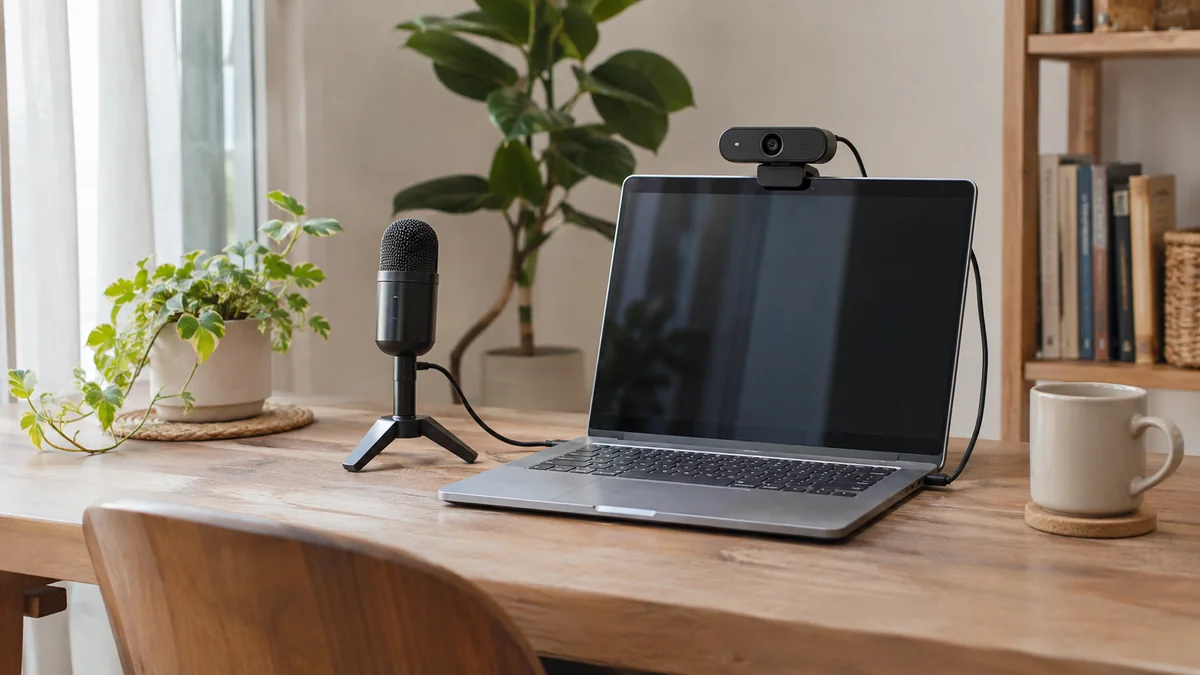
Check the background as well as your face
Look at the area behind you and beside the device. Move address labels, identification, private documents, and work material out of the frame. Review mirrors and other reflective surfaces, and check whether a second display shows anything personal.
Consider who else could be seen or heard. A shared room may include people who have not agreed to appear on your call. Choose another spot or explain that you need a private moment before starting.
Keep notifications and extra windows in mind
A camera can capture another screen, and a notification sound can interrupt a conversation. Review what is visible in your setup and close unrelated material you do not need. If a service offers screen sharing, choose the intended content carefully rather than assuming that every window is appropriate to show.
Know the controls you actually have
Before connecting, find the available camera, microphone, and call-ending controls. Interfaces differ, so use the controls shown on the service you are using. The FTC’s video-conferencing privacy guidance recommends checking settings in advance and avoiding the sharing of private information during a call.
Device permission is one layer of privacy
Allowing a website to use your camera or microphone does not answer every privacy question about the conversation. Check which site is requesting access, what access you want to grant, and whether the permission applies only to the current visit or continues afterward.
For browser-specific permission controls, use the camera and microphone permissions guide. Keep those setup instructions separate from decisions about what to reveal to another person.
Device access and service data handling are also different. Mixu’s Privacy Policy explains the service’s processing of information. Review the current policy for the details you need rather than assuming a browser permission describes how the service handles accounts, messages, or other data.
During the call: share interests without sharing identifiers
You can have a warm, specific conversation without providing the details someone would need to locate you, access an account, or contact you elsewhere.
| Conversation topic | A lower-detail way to discuss it | Keep private |
|---|---|---|
| Where you live | Talk about a general area only if you are comfortable doing so. | Your exact address, building details, or regular route. |
| Work or study | Discuss an interest, a field, or a skill you enjoy using. | Confidential work, schedules, private documents, and account access. |
| Everyday life | Share a hobby, recommendation, or ordinary experience. | Identity documents, financial information, passwords, and verification codes. |
| Future contact | Use available platform communication options and agree on whether to talk again. | Private contact details you do not wish to share. |
The middle column is an option, not a request to reveal anything. You can keep a topic general or change it. Mixu’s Community Guidelines address private information and pressure to disclose it.
Do not mistake a friendly call for verified trust
A pleasant conversation can be a good experience without proving someone’s identity, circumstances, or intentions. You do not need to settle those questions by sending documents, revealing an account code, or helping with a financial request.
If a new online contact asks for money, take a step back. The FTC describes scams that begin as an online friendship. Keep the decision separate from how long you have chatted or how persuasive an explanation sounds. A video call is not a substitute for independent verification.
Assume a conversation could be captured
Another participant may have a way to capture a conversation outside the platform’s visible controls. The absence of an obvious recording symbol should not be treated as proof that nothing is being saved. The FTC also discusses this limitation in its video-conferencing privacy guidance.
Ask before recording or sharing another person’s image, voice, or words, and respect a refusal. Agreeing to join a call is not the same as agreeing to have it published. If you would not be comfortable with a detail leaving the call, choose not to share it.
This is also why a blurred background, a nickname, or a device permission setting should not be presented as a guarantee of anonymity. Each can address a different part of the setup, while other identifying details may remain visible or audible.
Set a boundary in a sentence
You do not need a long explanation to decline a request. A short response can make your preference clear:
- “I’d rather keep my location general.”
- “I’m comfortable talking here, but I’m not sharing my phone number.”
- “Please don’t record this conversation.”
- “I’m going to end the call now.”
These are example phrases, not real user conversations. If someone continues to pressure you, you can stop responding or leave. You are not responsible for convincing the other person that your boundary is reasonable.
If something feels wrong, end the interaction and use support options
Use the call-ending and reporting options available on the platform if behavior is inappropriate. You can review Mixu’s Community Guidelines or contact Mixu Support for help with an issue on the service.
A useful report describes the behavior, the approximate time, and any relevant details the support process asks for. Provide only what is needed to explain the issue. Redact unrelated personal information from screenshots, and avoid distributing private call material while seeking help.
After the call: review what remains open
End the session when you are finished. If you use a shared device, sign out of your account and review any permissions or windows you left open. A physical webcam cover, where your device has one, is a useful reminder about the camera, but it does not control a microphone.
Decide whether you want further contact before responding to an invitation. If you enjoyed the conversation, you can suggest another topic or time without exchanging private contact details. Our guide to making international friends online offers ways to keep that follow-up comfortable and mutual.
A short video chat privacy check
- Before: Review the camera frame, nearby screens, and who else may be visible or audible.
- At the permission request: Confirm the site and the device access you intend to grant.
- During: Choose topics freely, keep sensitive information private, and respect the other person’s boundaries too.
- If pressured: Stop sharing, leave if you want to, and use relevant reporting options.
- After: End the session, sign out on a shared device, and decide whether you want another conversation.
On Mixu, the 1v1 video chat guide explains the format. Mixu is for adults aged 18 and over; sign-in, feature access, and coin or VIP requirements depend on the options shown in your account. Privacy is part of preparing for a conversation, alongside checking the equipment and deciding what you would like to talk about.
FAQ
Can someone record a video chat without an obvious on-screen indicator?
You should allow for the possibility that another participant could capture the conversation using a separate device or tool. An absent recording indicator does not guarantee that nothing is being saved. Choose what to share accordingly and ask permission before recording or sharing someone else’s content.
Does allowing camera access make a video chat private?
No. A camera permission controls whether a website or app can use that device. It does not by itself establish who can view the conversation, how information is handled, or what another participant may capture. Review the service’s privacy information separately.
What should I remove from my background before a video chat?
Move documents, address labels, work material, identification, and screens displaying private information out of view. Check reflective surfaces and whether other people could be visible or audible. A simple background is useful, but it is not a guarantee of privacy.
Do I need to share my phone number to keep talking to someone?
No. You can use communication options available on the platform and follow its rules. A request to continue talking does not create an obligation to share private contact details or move to another service. You can decline or end the interaction.
What should I do if another person pressures me for private information?
Stop sharing and end the interaction if you want to. Use the platform’s reporting options for inappropriate behavior. If you contact support, provide a concise description and only the information needed to explain the issue; do not send passwords or unnecessary private call material.